
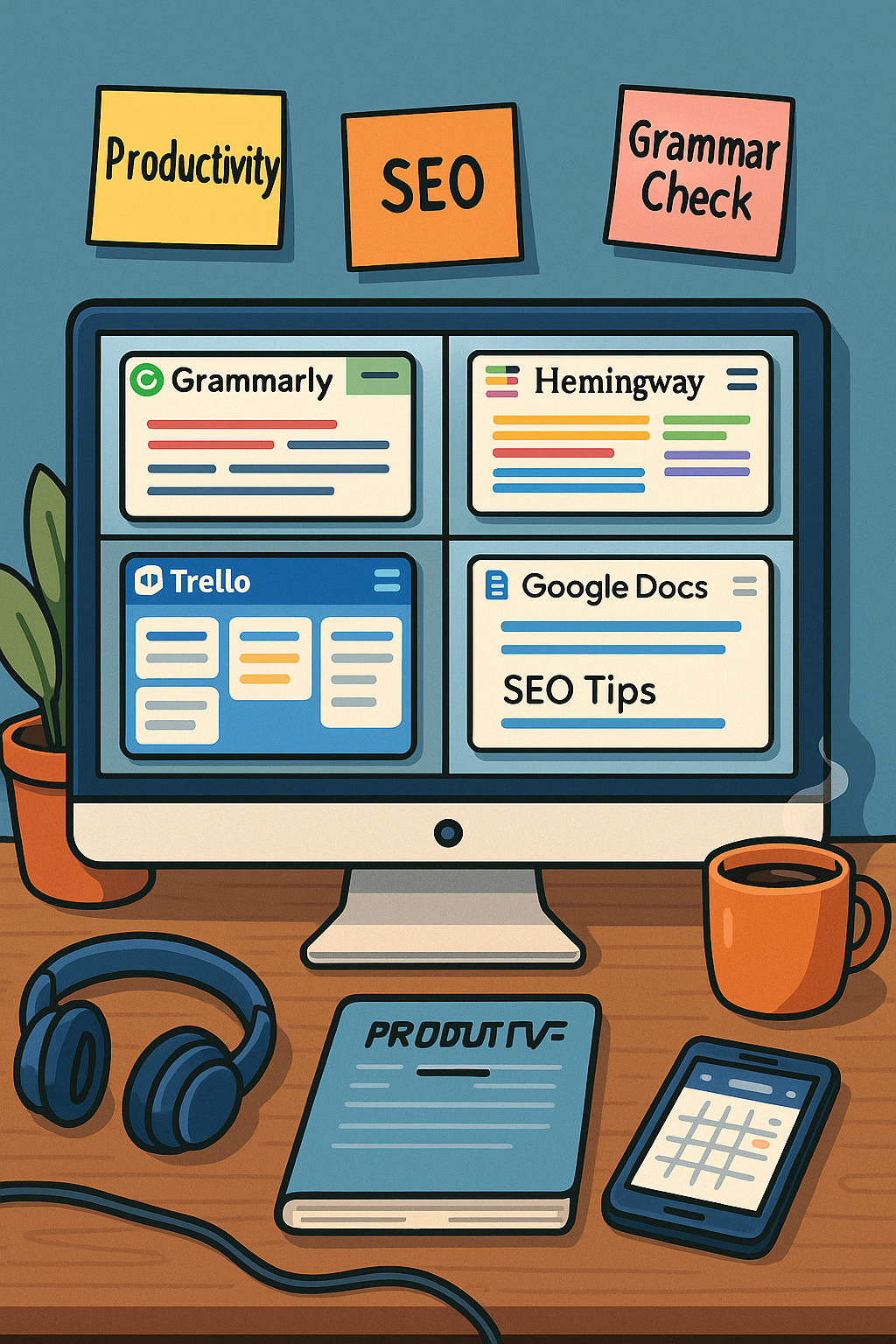
In today’s fast-paced digital world, writers have access to an incredible range of tools designed to enhance productivity, improve writing quality, and streamline the content creation process. Whether you’re a blogger, copywriter, journalist, or novelist, the right tools can help you write more efficiently and effectively.
In this article, we’ll explore some of the best digital tools available for writers and explain how each one can help you elevate your work.
Why Use Digital Writing Tools?
Digital tools offer several key benefits:
- Improve grammar and style
- Boost productivity and focus
- Help with idea generation
- Organize research and notes
- Optimize content for SEO
- Collaborate with others in real time
- Manage deadlines and projects
Top Digital Tools Every Writer Should Know
1. Grammarly
Purpose: Grammar and style checker
Key Features:
- Grammar, punctuation, and spelling corrections
- Tone and clarity suggestions
- Plagiarism checker (premium version)
- Browser and Microsoft Word integration
Best for: Bloggers, students, and professional writers looking to polish their writing.
2. Hemingway Editor
Purpose: Enhancing readability and simplicity
Key Features:
- Highlights passive voice
- Flags adverbs and complex sentences
- Provides readability grade level
- Offers suggestions for concise writing
Best for: Writers aiming for clear, straightforward content.
3. Scrivener
Purpose: Long-form writing projects like novels, theses, or scripts
Key Features:
- Flexible writing templates
- Corkboard view for organizing sections
- Detailed outlining tools
- Research storage within the project
Best for: Novelists, screenwriters, and academic writers.
4. Google Docs
Purpose: Online document creation and collaboration
Key Features:
- Real-time editing and commenting
- Cloud storage with Google Drive
- Version history tracking
- Easy sharing and access from any device
Best for: Collaborative writing and editing projects.
5. Evernote
Purpose: Note-taking and research organization
Key Features:
- Save text, images, and web clippings
- Organize notes into notebooks
- Searchable tags
- Cross-device syncing
Best for: Writers who collect research and ideas from various sources.
6. Trello
Purpose: Project and task management
Key Features:
- Visual boards and task lists
- Drag-and-drop organization
- Due dates and reminders
- Team collaboration features
Best for: Writers managing multiple projects or working with editors and clients.
7. ProWritingAid
Purpose: Advanced grammar and style editing
Key Features:
- In-depth grammar analysis
- Style suggestions for readability, consistency, and pacing
- Overused word detection
- Integrations with Google Docs and MS Word
Best for: Writers wanting deeper feedback on style and structure.
8. Canva
Purpose: Creating visuals for content
Key Features:
- Ready-made templates for social media, blog graphics, and more
- Drag-and-drop interface
- Access to stock photos and icons
Best for: Bloggers and marketers who need engaging images to accompany their content.
9. FocusWriter
Purpose: Distraction-free writing environment
Key Features:
- Full-screen writing mode
- Customizable backgrounds and themes
- Daily word count goals
- Auto-save feature
Best for: Writers seeking a minimalist workspace to boost concentration.
10. Yoast SEO
Purpose: SEO optimization for WordPress users
Key Features:
- SEO scoring for your content
- Readability analysis
- Keyword optimization
- Meta description previews
Best for: Bloggers and website owners focused on improving search rankings.
Tips for Choosing the Right Tools
- Identify Your Needs: Are you focused on editing, organization, or SEO?
- Start Simple: Begin with one or two tools and add more as needed.
- Consider Your Budget: Many tools offer free versions with limited features.
- Check Compatibility: Make sure the tool integrates with your writing platforms.
Productivity Apps to Support Your Writing Routine
In addition to writing-specific tools, here are a few general productivity apps that can help:
- Toggl Track: For time tracking
- Freedom: To block distracting websites
- Google Calendar: For scheduling deadlines
- Notion: For task management and note organization